Thinking about trading long commutes and winter weather for warm afternoons by a resort-style pool? If you are moving from out of state, Nocatee in St. Johns County gives you a master-planned community with everyday conveniences close by. You want a plan that makes the search, purchase, and first week simple. This guide gives you clear steps for virtual tours, remote closings, military PCS timing, and local setup so you feel at home fast. Let’s dive in.
Nocatee at a glance
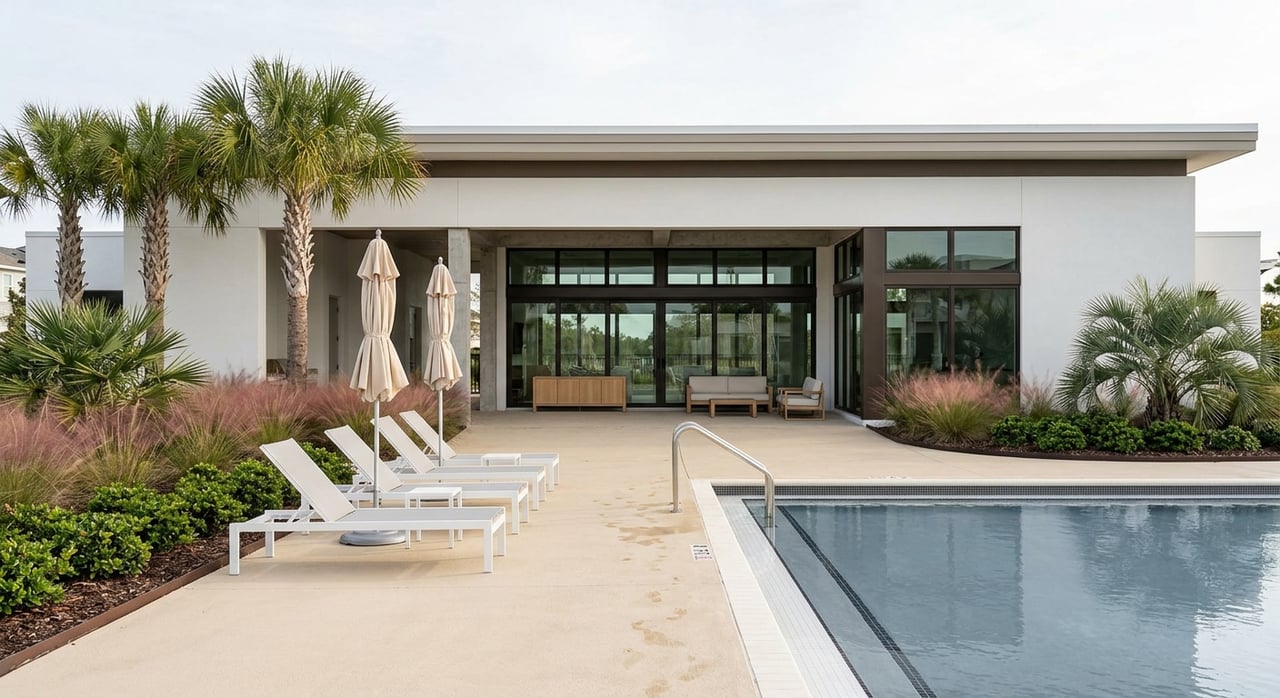
Nocatee is a large, award-winning master-planned community just west of Ponte Vedra Beach with a central Town Center, trails, parks, and two signature water-park style amenities. You will find dozens of neighborhoods with their own HOA rules and access to shared community features designed to keep most errands close to home. Explore the neighborhood map and amenity highlights on the official community site to get a feel for fit and lifestyle before you visit. You can start with the neighborhood overview on the Nocatee site for a helpful snapshot. Review Nocatee neighborhoods and amenities.
Almost all new-home neighborhoods in Nocatee are served by the St. Johns County School District. Model schools often referenced include zoned K–8 options and Allen D. Nease High School. Zoning can vary by neighborhood and may change each year, so always confirm by specific address with the district. See the Nocatee schools page for current zoning links.
If you are planning travel, Nocatee sits between Jacksonville and St. Augustine. Local references place it around 38 miles from Jacksonville International Airport, and drive times to Naval Air Station Jacksonville or Naval Station Mayport are roughly 25 to 45 minutes depending on gate and traffic. Use your expected commute times to test routes during your visit. Check this Nocatee overview for distance context.
Build a remote-friendly home search
Start with virtual tours
Begin online. Many Nocatee listings and builder pages include 3D tours, floor plans, and video walk-throughs. Tools like Matterport and builder virtual model tours help you narrow choices before you fly in. If a listing does not have a tour, ask for a live FaceTime or Zoom walk-through so you can see details like natural light, storage, and backyard privacy.
Use this quick remote showing checklist:
- Request a live video walk-through and any available 3D tour links and measurements.
- Ask for short clips of the surrounding street, nearby parks, and the drive to the Town Center.
- Verify lot location on the site plan and whether the lot backs to a preserve or conservation area.
- Confirm any Community Development District (CDD) boundaries and HOA rules at the neighborhood level.
- Save commute-drive videos at your planned hours if possible.
You can cross-check neighborhoods and builder names on the official site as you vet each option. Browse the Nocatee neighborhoods page as a reference point.
New build vs. resale timelines
If you are choosing between new construction and resale, factor in timing. National data suggests building a new single-family home often takes about 6 to 12 months, with an average near 10 months, depending on permitting and builder type. That can work well if your move date is flexible, but it is tight for fixed orders or start dates. See a national overview of home-building timelines.
To arrive on a firm date, consider quick-move-in homes already under construction or recently completed, or target a resale home. Production builders in Nocatee often post quick-move-in options on their community pages. If you go the new-build route, review the builder contract closely for allowances, change-order windows, completion dates, and what happens if timelines shift.
Plan one efficient visit
If you can make a short trip, you can cover a lot in 2 to 3 days:
- Day 1: Orientation. Start at the Nocatee Welcome Center, tour the Town Center, and note grocery, pharmacy, and urgent-care options nearby. Visit a few model homes to calibrate floor plans and finishes. Use the official Nocatee site to plan your stops.
- Day 2: Focused tours. Meet builder reps, walk your top neighborhoods, and schedule any school visits within district guidelines.
- Day 3: Commute tests. Drive your likely morning and afternoon routes, then meet your inspector or title contact if needed.
Close from out of state with confidence
Florida remote notarization basics
Florida allows Remote Online Notarization, which lets a Florida-commissioned online notary perform notarial acts over a secure audio-video platform. In practice, that means many buyers can complete most or all closing documents online if the lender and title company support it. Acceptance of eClosing tools varies by lender, title company, and county recorder, so confirm early in your process. Read Florida’s RON statute overview.
Remote closing checklist
Follow these steps to streamline your signing day:
- Ask your lender up front whether it allows a full eClosing or requires any wet signatures.
- Confirm your title or escrow provider supports RON and can eRecord in the county.
- Test your camera, microphone, and internet upload speed before your close. Ask for ID-proofing instructions.
- If recommended by your lender or title officer, prepare a limited Power of Attorney as a backup for signing. Coordinate with counsel as needed.
- Schedule a short in-person window for your final walkthrough and key handoff, even if you sign online, to give yourself peace of mind.
Military PCS to Nocatee
If you are inbound to the Jacksonville area, map drive times to NAS Jacksonville or Mayport at your expected hours and factor in gate queues. For shipping and entitlements, the Department of Defense provides a single source for planning through Military OneSource and the Defense Personal Property System. Use these tools to schedule household goods, confirm weight allowances, and review PPM or DITY options. Start with the DoD’s moving and personal property guide.
During your home search, prioritize quick-move-in or resale homes if your report date is fixed. If you choose a new build, set scheduled check-ins with the builder’s construction manager and consider third-party progress inspections at key stages.
Move-in logistics you can set up now
Essential community and county contacts
- Nocatee Welcome Center and Resident Services. This is your hub for amenity registration, pool and fitness access, and resident app setup. Find contact details and hours on the official site. Visit the Nocatee community site.
- Water and sewer. Many Nocatee addresses are served by the St. Johns County Utility Department. Confirm your specific provider by address and start service before you arrive. Check the county utility department’s directory.
- Trash and recycling. St. Johns County Solid Waste Division manages curbside schedules and the RecycleCoach app. Confirm your pickup days after you have your service address. See the Solid Waste Division resources.
- Electricity and gas. Providers vary by parcel. In much of St. Johns County, Florida Power & Light serves electric, while some areas use JEA. Verify the correct provider with your address or builder paperwork and arrange activation.
- Internet readiness. Common options include AT&T fiber in many neighborhoods, Xfinity or Comcast, and Spectrum. If you work from home, confirm upload speeds and fiber availability with providers before your first day online.
- Schools, healthcare, and mail. Use the Nocatee schools page and the St. Johns County School District registration process to enroll. For healthcare, nearby options range from local clinics to major centers in Jacksonville. File your USPS change-of-address once your move date is set, and bring required documents to update your Florida license and vehicle registration.
First-week checklist
- Day 0: Confirm closing time and key pickup. Coordinate your movers and, if needed, remote signing steps.
- Day 1: Collect keys and test utilities, internet, and security systems. Do a walkthrough and note any issues.
- Day 2: Register children for school and request transcript and immunization transfers. Visit your grocery, pharmacy, and a local clinic to set up portals and prescriptions. Register for pools and amenities with Resident Services.
- Day 3: Update your driver’s license and vehicle registration or set an appointment. Line up lawn care, pest control, and any handyman needs.
- End of week: Confirm mail forwarding, set your trash and recycling reminders, and order HOA or amenity access cards as required.
Budgeting for HOA and CDD
In Nocatee, you will likely have both HOA dues and a CDD assessment. The CDD is a special district that helps fund infrastructure and appears as a non-ad valorem charge on the property tax bill. Amounts can vary by neighborhood and even by lot. Include both line items in your monthly budget and confirm the current CDD amount before you sign. For a simple overview of how these fees work and why they matter, read this explainer from our team. Understand Nocatee HOA vs. CDD fees.
Common friction points and how to avoid them
- Address-level differences. Utility providers, trash days, and school zoning are address specific. Verify each by the exact property address with county and community resources before you submit an offer. Start with the St. Johns County utilities directory.
- Builder timelines. Production timelines and contract language differ by builder, which can create stress around fixed arrival dates. Ask for regular updates, understand completion and extension terms early, and build in buffer time where possible.
- Remote closing acceptance. Lenders and title companies choose which eClosing workflows they will use. Confirm your path in writing early so you are not surprised at the finish line. Review Florida’s RON framework to understand what is possible.
How our local team supports your move
You deserve a move that feels calm and well-orchestrated. As a neighborhood-focused, mom-led team, we help you shorten the learning curve with clear neighborhood comparisons, virtual tours tailored to your must-haves, and step-by-step support for builder meetings, inspections, and remote closings. We also share practical vendor lists and a first-week plan so you can settle in quickly. If you are planning a PCS or job transfer, we will align your timeline with inventory that fits your arrival window and budget.
Ready to start your Nocatee search with a local guide who treats your move like family? Connect with The Coastal Home Group to plan your next steps and schedule virtual or in-person tours.
FAQs
How far is Nocatee from Jacksonville International Airport?
- Nocatee is around 38 miles from Jacksonville International Airport, with typical drive times varying by traffic; see a local overview for distance context on the Nocatee page at Visit St. Augustine. Learn more about Nocatee’s location.
Can I buy a Nocatee home entirely remotely?
- Yes, Florida permits Remote Online Notarization, and many buyers complete eClosings when their lender and title company agree on the workflow, so confirm early and plan a quick in-person walkthrough for keys if possible. Review Florida’s RON rules.
What is the difference between HOA and CDD fees in Nocatee?
- HOA dues cover neighborhood operations and amenities, while CDD assessments fund infrastructure and appear on your tax bill, and both should be verified for your specific address. See a clear HOA vs. CDD explainer.
Which schools serve Nocatee addresses in St. Johns County?
- Most Nocatee neighborhoods are served by the St. Johns County School District, but zoning changes over time, so check your exact property address before enrolling. Use the Nocatee schools page.
What utilities should I set up before moving into a Nocatee home?
- Confirm water and sewer with the St. Johns County Utility Department, verify your electric provider by address, and check county trash and recycling schedules once you have your service start date. Start with county contacts.
What should military families know about a PCS to Nocatee?
- Use Military OneSource and the Defense Personal Property System to schedule household goods and confirm entitlements, and plan housing around commute tests to NAS Jacksonville or Mayport at your expected hours. Begin with the DoD’s PCS guide.